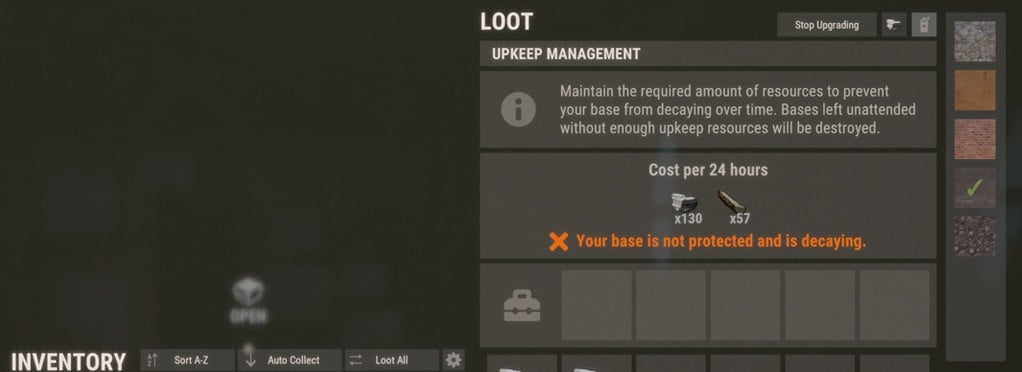
Auto Upgrade
Interact with your Tool Cupboard to access Auto Upgrade controls. In the top-right corner, choose the building grade you want to use, then select a building skin if desired. Only skins you own will be available.
Once your grade and skin are selected, choose Start Upgrading. Your base will upgrade gradually using resources stored in the Tool Cupboard and will stop when finished, cancelled, or when the required resources run out.
Make sure your cupboard contains enough resources for both the upgrade and normal upkeep, as Auto Upgrade uses the same stored materials.
Auto Upgrade can also apply a new skin to building parts that are already at the selected grade. Doing so costs the same resources normally required to upgrade those parts to that grade.
 10
10