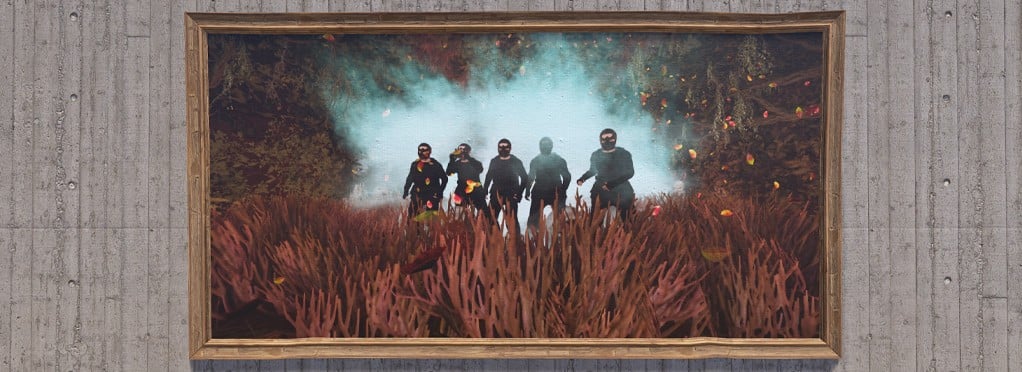
Sign Artist
Sign Artist lets you place images or text on supported signs, picture frames, and portraits.
To add an image, look directly at the sign, stand close enough to edit it, and type /sil image_url. The image must use a public absolute URL beginning with http:// or https://. Direct image links work best, and URLs longer than 500 characters will not work.
If an image link is too long or cannot be downloaded, reupload it to Imgur or a similar image-hosting service. Signs with multiple frames can use /sil image_url frame_number.
To add text, look directly at a supported sign and type /silt text: My Text Here. You can also use bg:, color:, align:, and size: to customize its appearance.
You must own the sign, have building authorization, or be on the owner's team. If the sign cannot be detected or edited, move closer and look directly at it.
Images and text may be logged. Do not display vulgar, racist, hateful, inflammatory, or otherwise prohibited content. Inappropriate private content must not be visible or accessible to unauthorized players.
To remove an image or text, open the sign editor and use the trash icon to discard the changes. Saving the cleared sign will return it to its default appearance.
 7
7