Trading
Trading allows players to exchange items remotely from anywhere on the map. Trading is free, but there is a short cooldown between uses.
To send a trade request, type /trade username or /trade SteamID in chat.
If the receiving player has their HUD enabled, an acceptance prompt will appear on screen. If their HUD is disabled, the request will appear in chat instead. Requests can be accepted through the prompt or by typing /ta.
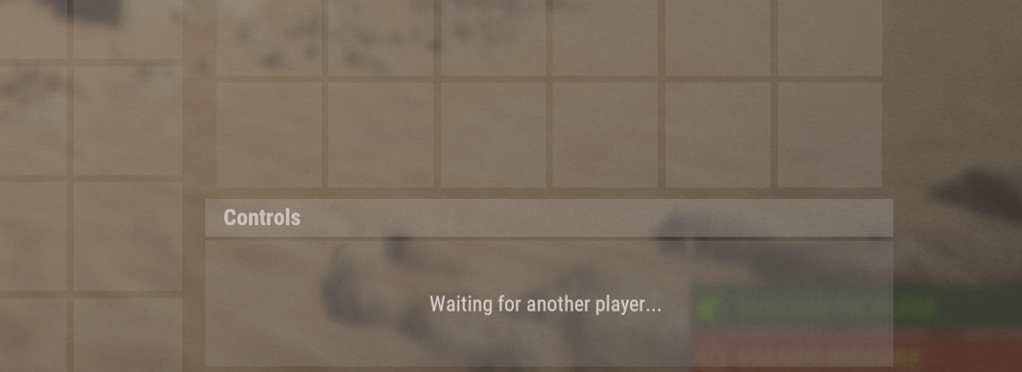
Once the trade begins, a container appears in the bottom-right corner of your screen. Place the items you want to offer into the container to add them to the trade window.
After both players accept, the items are transferred automatically.
Contributors
 4
4